Release Notes for Version 1.0.29
New Features
-
Now find secrets and access applications even faster with the browser extension: Use the browser extension to find any secret and launch any application in seconds. The browser extension’s search functionality is now significantly faster and more flexible with search criteria, including support across multiple user accounts.
-
Easily setup AD Sync: It’s now even easier to setup AD sync. On the AD sync page, get the import template to easily import and sync your accounts.
-
It’s now even easier to use peer-to-peer network access: Now completely manage peer-to-peer sharing all without leaving the desktop client. Editing for peer-to-peer sharing is now available in the desktop client.
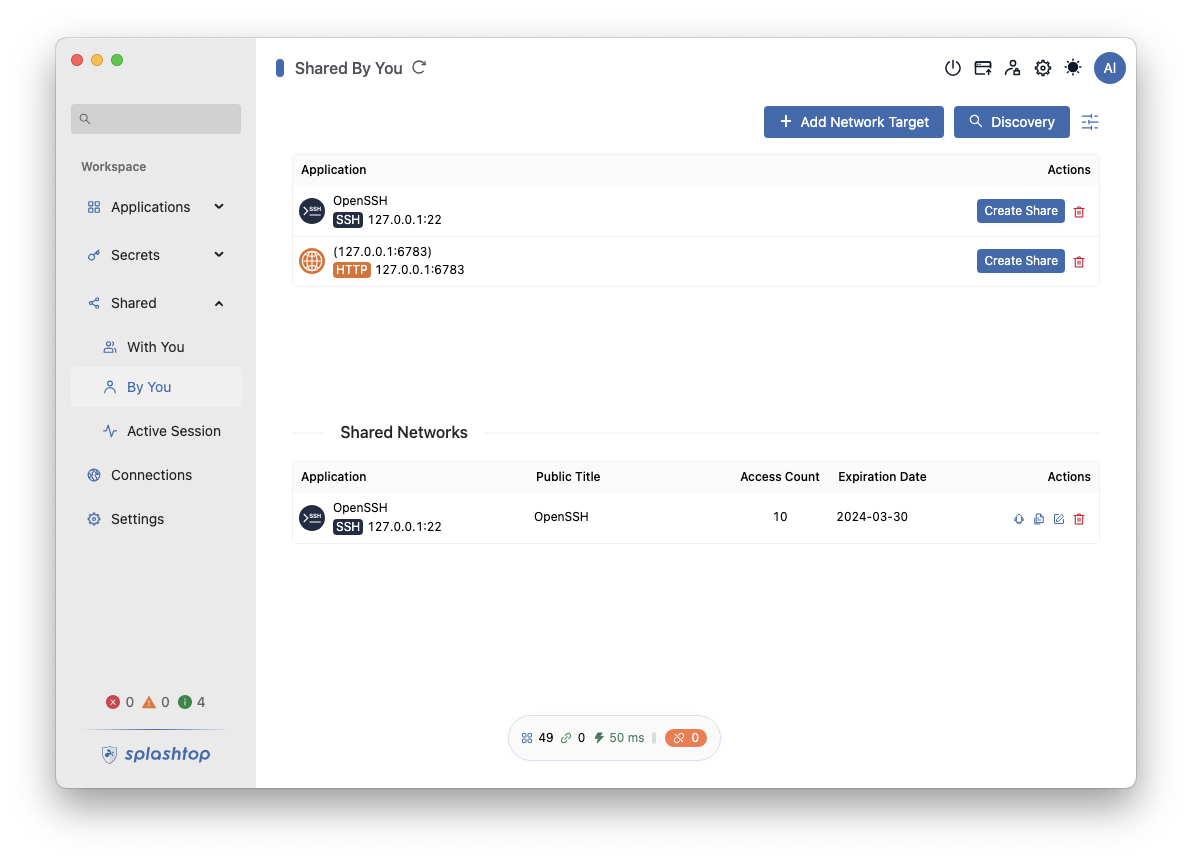
- Easily go from your Secure Workspace desktop client to your web console: On the desktop client, click and go to your Web Console.

Fixes
-
Desktop and Web Login Enhancements: Addressed an issue where the desktop was unresponsive for attempted logins to expired tenants. Also improved IdP icon display on login pages.
-
Installation and Update Optimization: Desktop updates now notify users of more necessary setting requirements.