Quick Start for the Connector

Deploy on your network in minutes
First, prepare to deploy.
Have a deployment target with your network, e.g. a server. Non-dedicated works!

Go to Deployment ➡️ Connector. Click Add Connector.

Second, configure the connector.
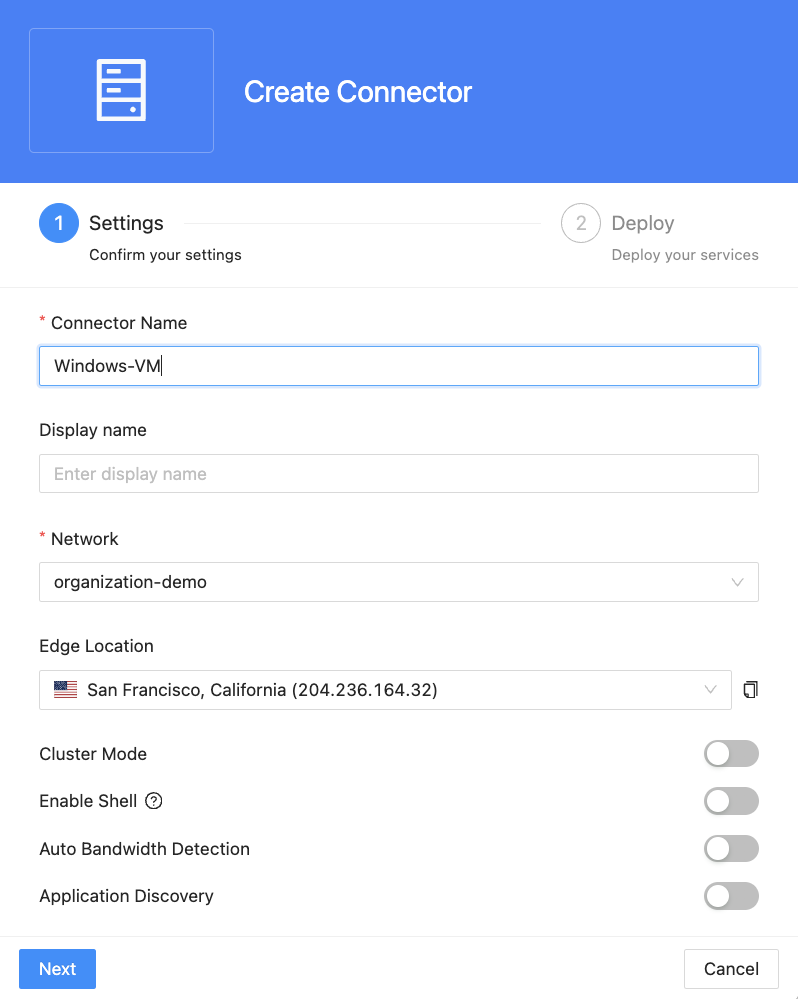
Name your connector and optionally enable “Cluster Mode” for resiliency and “Application Discovery” for provisioning a mass of private resources.
Choose the platform type on which you want to deploy the connector; copy the command.
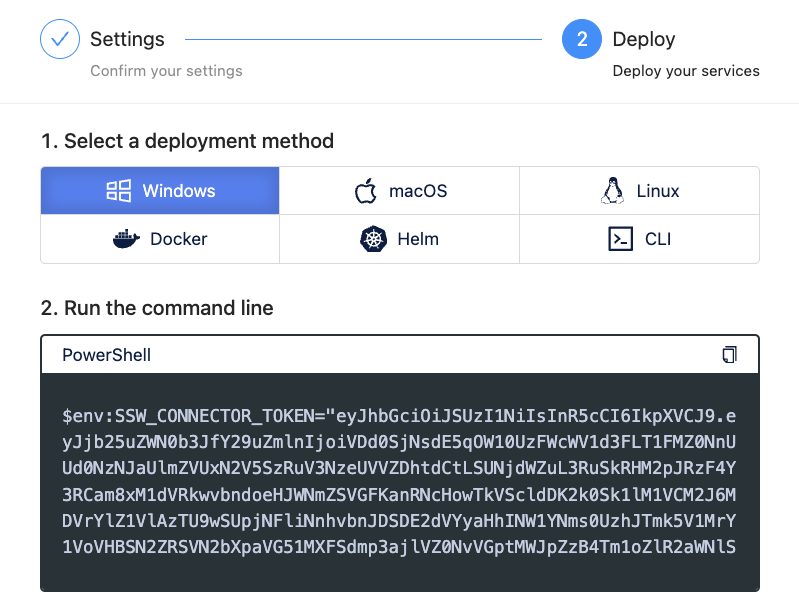
Third, deploy the connector.
Paste and run the copied command on your target platform.

Return to the copy command screen (Step 5), and confirm status is Connected.
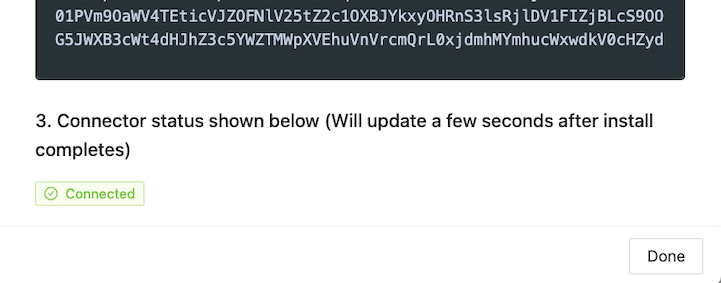
Your connector is now active! That's all it takes to deploy on one of your networks.